
SteelSeries Sensei Pro review
While many wireless gaming mice are content with wired play-and-charge, the Sensei Pro takes a different tact with a battery management concept that, while not entirely new, may steer the sector in a new direction given its implementation by an esteemed brand such as SteelSeries.
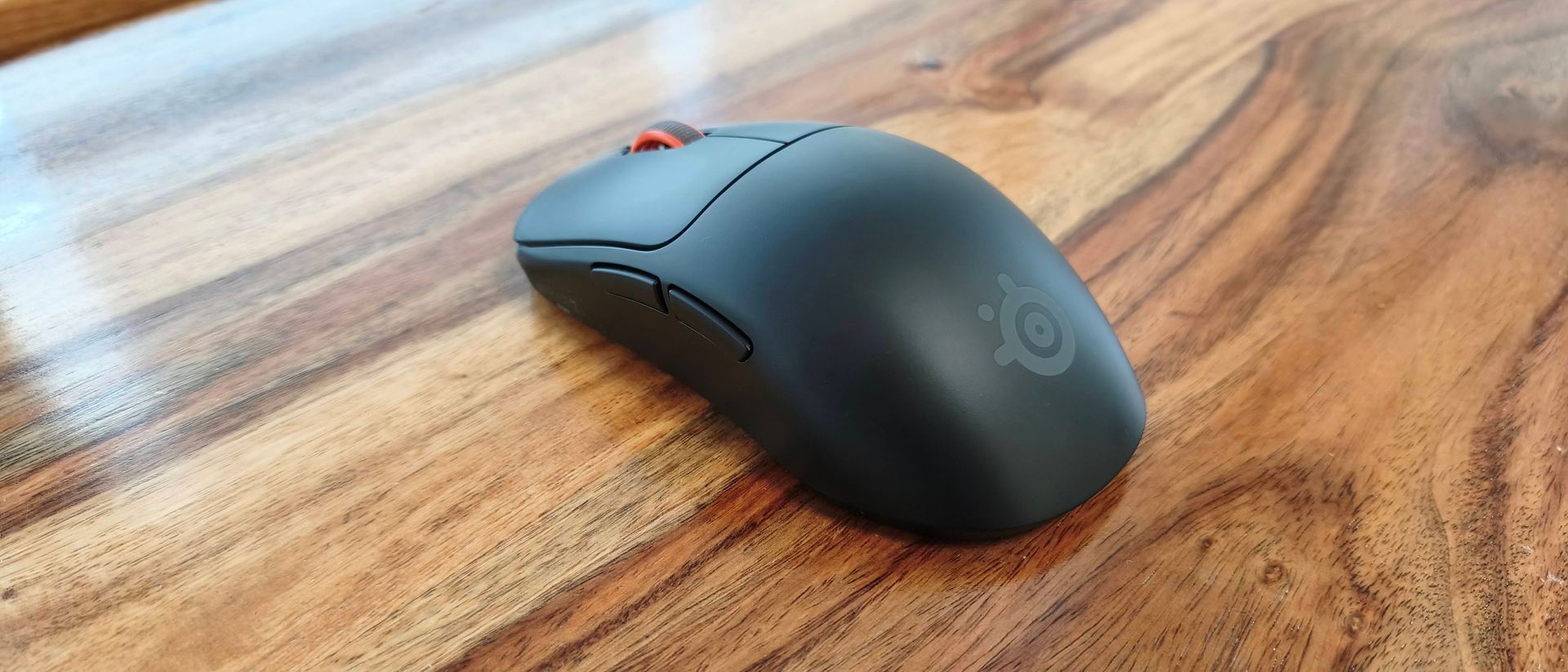
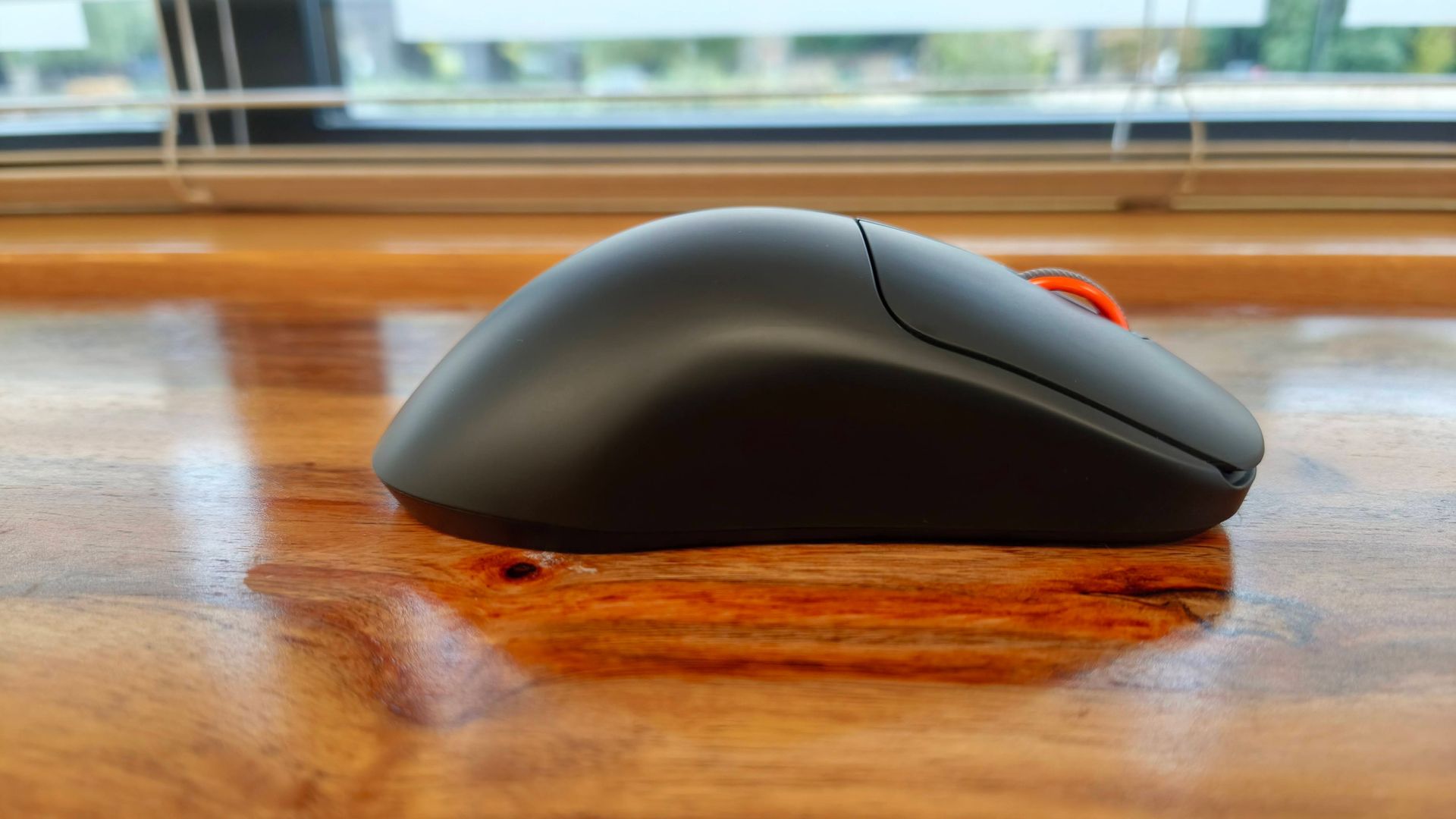
In terms of looks, though, the Sensei Pro hardly departs from your typical symmetrical mouse. Its design is largely functional, with a small logo and orange scroll wheel being the only concessions to style. There are no odd angles or shapes here, or even any RGB lighting.
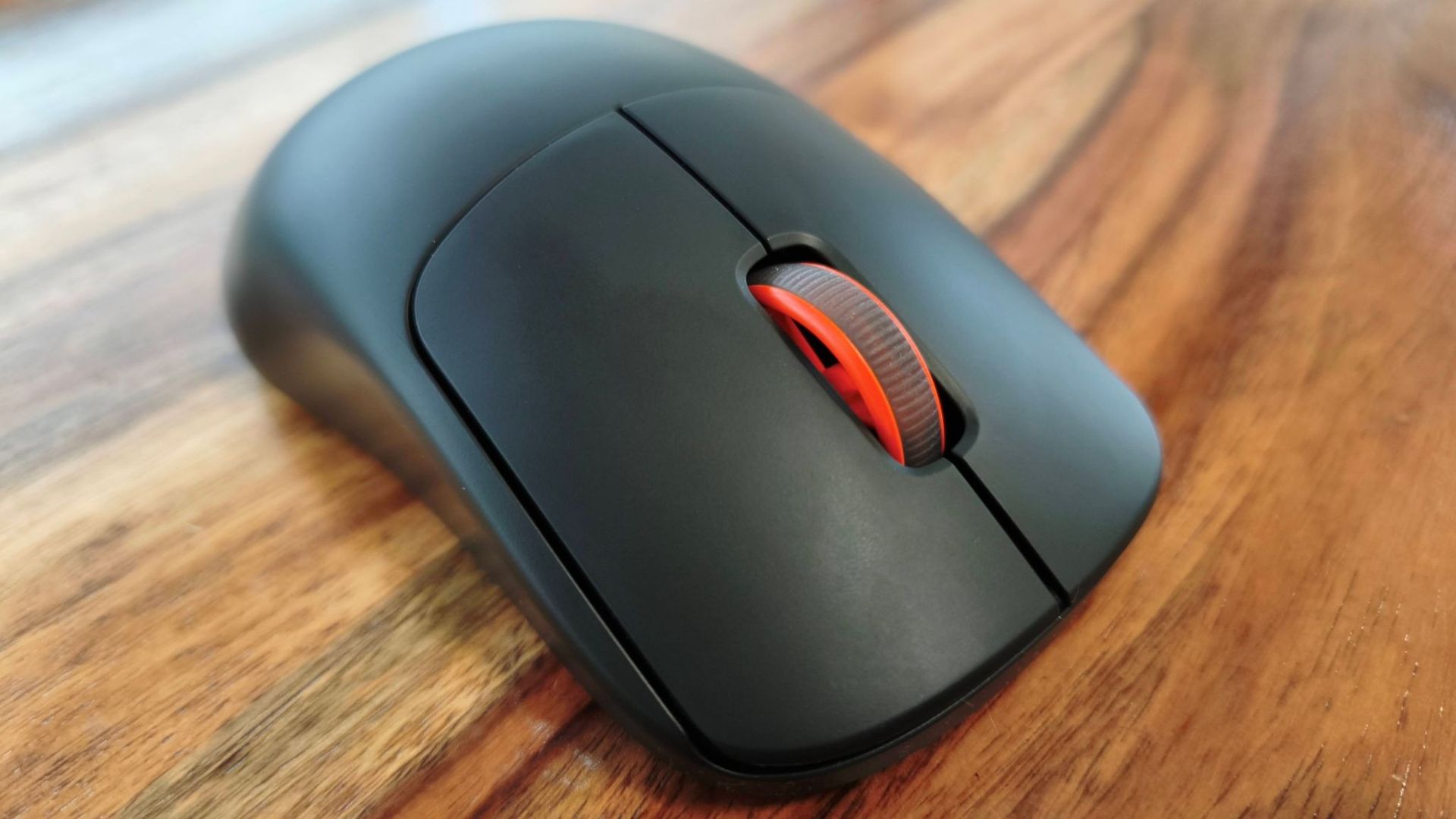
The standard model is quite large, and the prominent central hump might feel uncomfortable to certain hands. It took me a little while to adjust to it, but once I did I found it quite comfortable, helped by the super smooth finish of the shell. Those wanting more texture can attach the included grip tape to the sidewalls, mouse buttons, and even the back buttons.
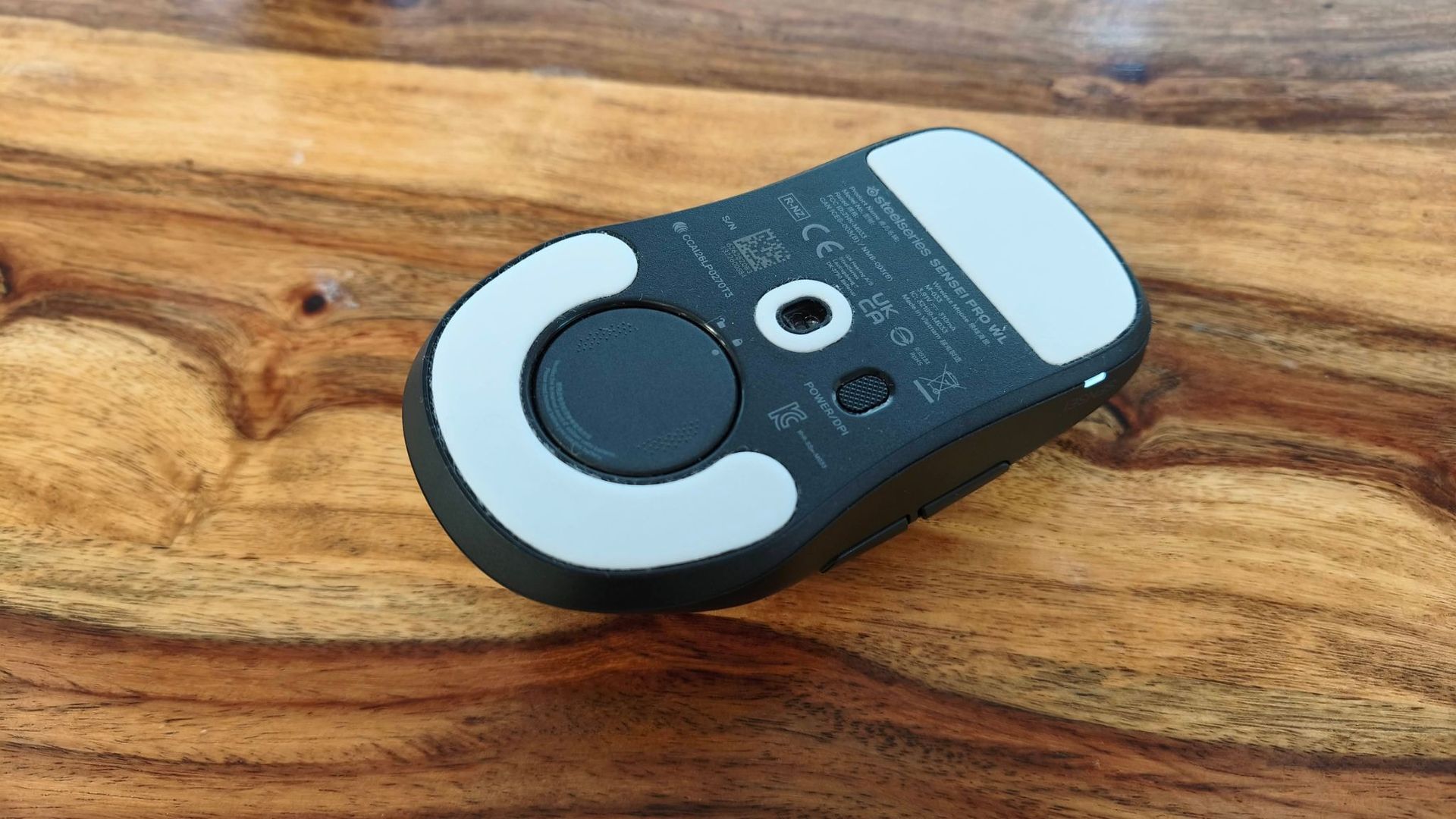
Despite its bulky shape, the Sensei Pro is actually very light, weighing just 53g, yet feels perfectly solid and sturdy. This attention to build quality extends to the buttons, which all operate smoothly and provide satisfying feedback. My one gripe is with the DPI button: it’s placed underneath, a location I usually find impractical when playing games requiring frequent menu access and the like. Not only is it underneath, it’s to the right, which means right-handers won’t be able to reach it easily with their fingers.
You can customize the inputs of the Sensei Pro using SteelSeries’ GG software. Here you’ll find a remapping facility with plenty of options, including a healthy selection of media and system shortcuts. You can also adjust the DPI from 1K to 65K, with five customizable presets to cycle through. Not only that, but you can also adjust the DPI for the X and Y axes independently, which isn’t something I’ve often seen.
Then there are some features I’ve never seen before. These include click response adjustments between 0ms and 20ms, mouse movement acceleration tuning using preset graph curves, and sensor tilt adjustments by 45 degrees in either direction, in order to accommodate the natural angle of your hand movements. And while I’ve seen angle snapping modes in numerous other gaming mice software, I haven’t seen one with 10 levels of ‘straightening’ as there is here. Nor have I seen a scroll jump protection feature with as large a threshold range to play with (100ms to 1500ms). Other adjustments include independent lift-off and landing distance adjustments, as well as a motion sync toggle.
Again unlike many gaming mice, you can set the Ultra-wideband (UWB) polling and sensor rates separately, each with a range of 125Hz to 8KHz (with 9KHz overpolling). The explanation provided for these settings is clear and detailed, although it’s a shame 9K overpolling isn’t explained. In fact, the explanations for most features in GG are welcome, and go beyond what peripheral software usually provide. It also very handily tells you if you have Windows’ enhanced pointer precision setting enabled, and offers to disable it for you to improve performance. The overall layout of GG is clear and easy to navigate as well, although I found it slightly annoying that the actual adjustments section opens in second windows, introducing unnecessary desktop clutter.
When gaming, the Sensei Pro is a competent mouse. It glides with supreme smoothness, thanks to its large skates, while the mouse buttons are well lubed and very tactile. They have a deeper travel than many others, though, and might be a bit too heavy for those after seriously rapid spamming.
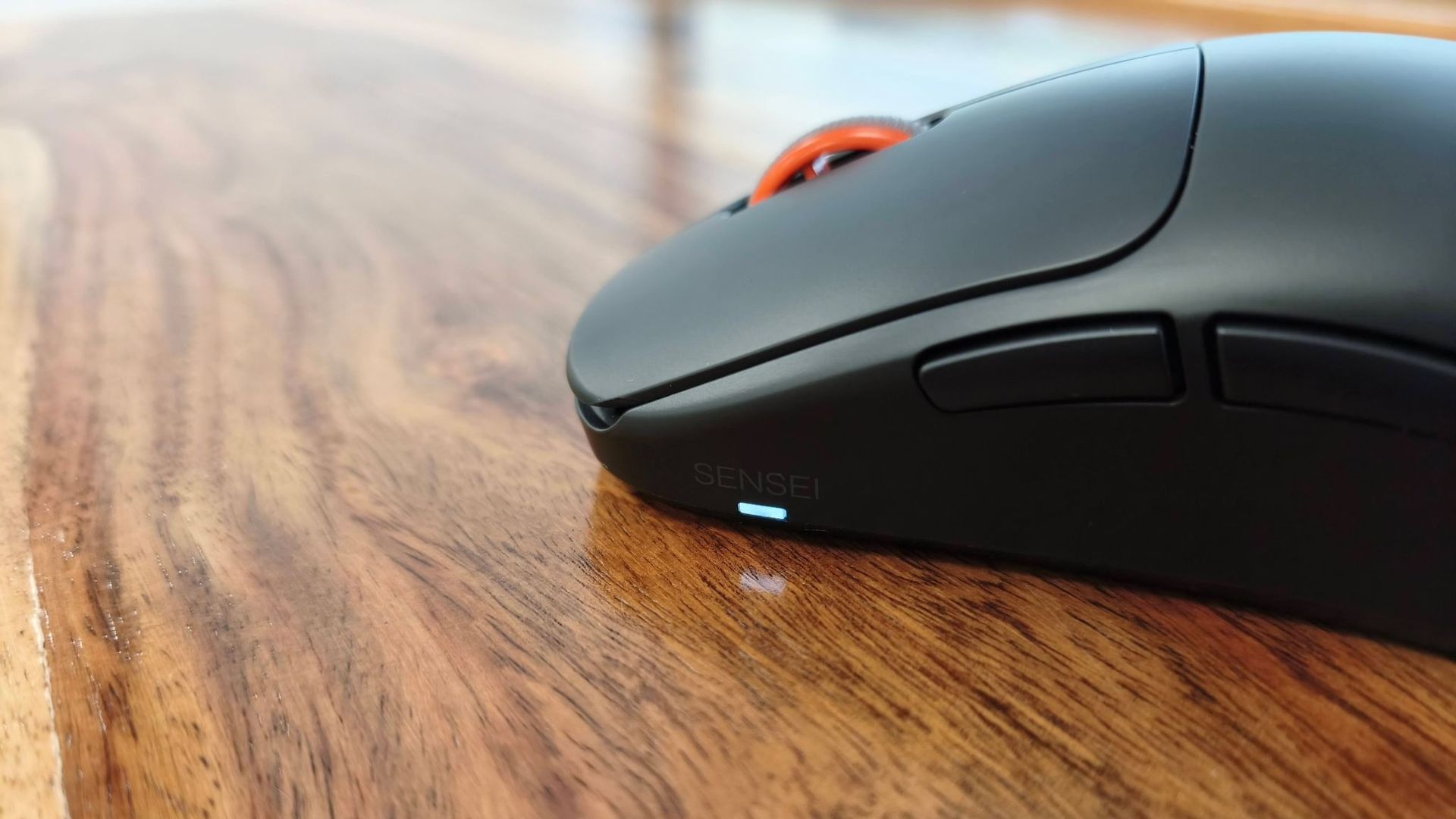
The side buttons and middle click are fantastically clicky, and are some of the best I’ve used. The former have a pleasingly deep travel, which only makes them more satisfying, while the latter feels like a proper button without the awkwardness that can often blight other examples. What’s more, I didn’t perform any accidental flicks when pressing it, even with Scroll Jump Protection disabled. The notching is perfectly weighted, too, allowing for both controlled single flicks and quick multiple swipes when needed.
Not being a pro gamer myself, I can’t honestly say I noticed any difference in polling and sensor rates above 1K, and certainly couldn’t discern the advantage of 9K overpolling. What I can tell you is that enabling the maximum rates, as well as the maximum sensor performance, drains battery life very quickly; you’ll get about a day’s worth at best. Dial back the polling to 1K, though, and you'll get much closer to SteelSeries' claimed top-end longevity figure of 120 hours.
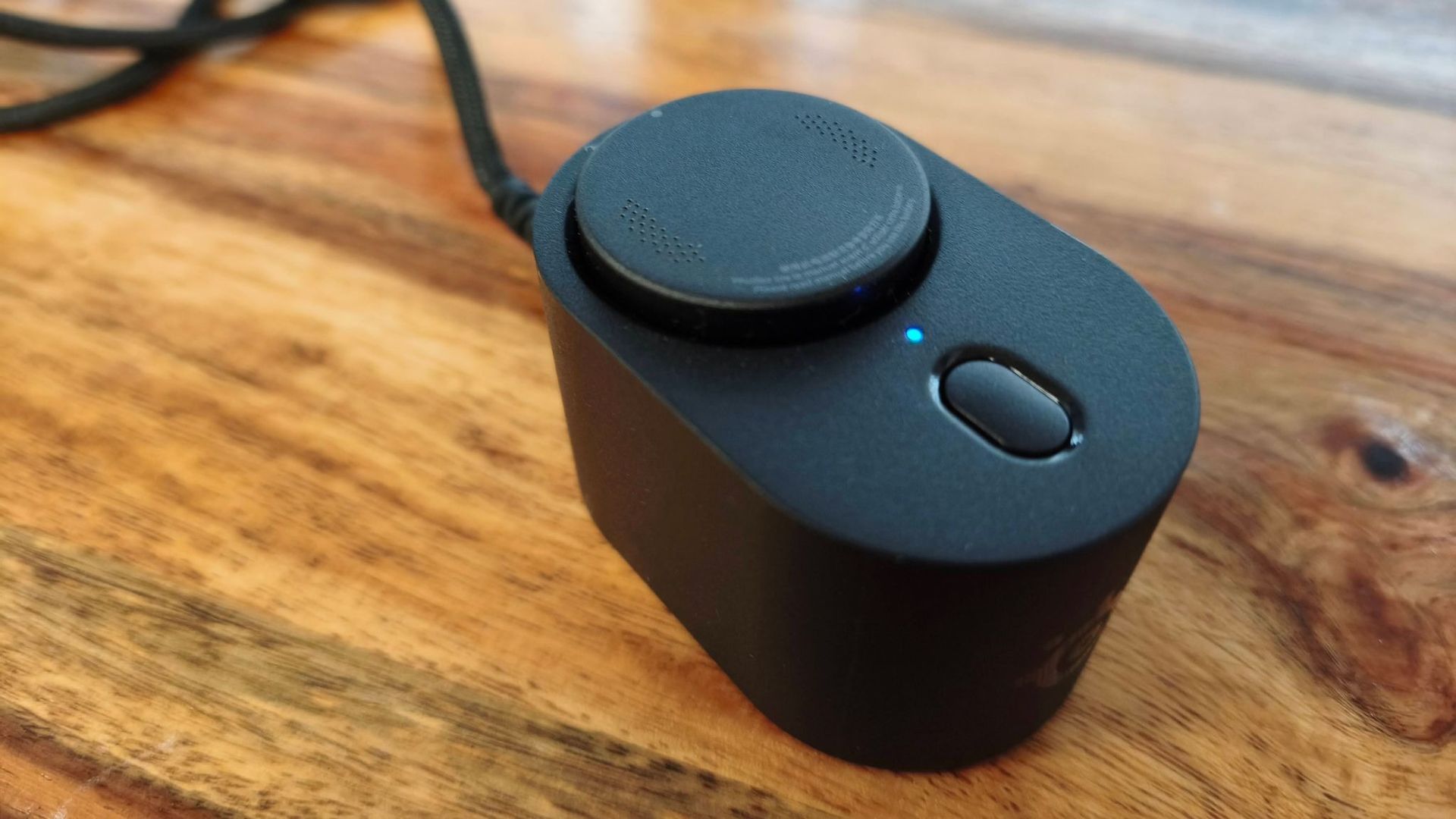
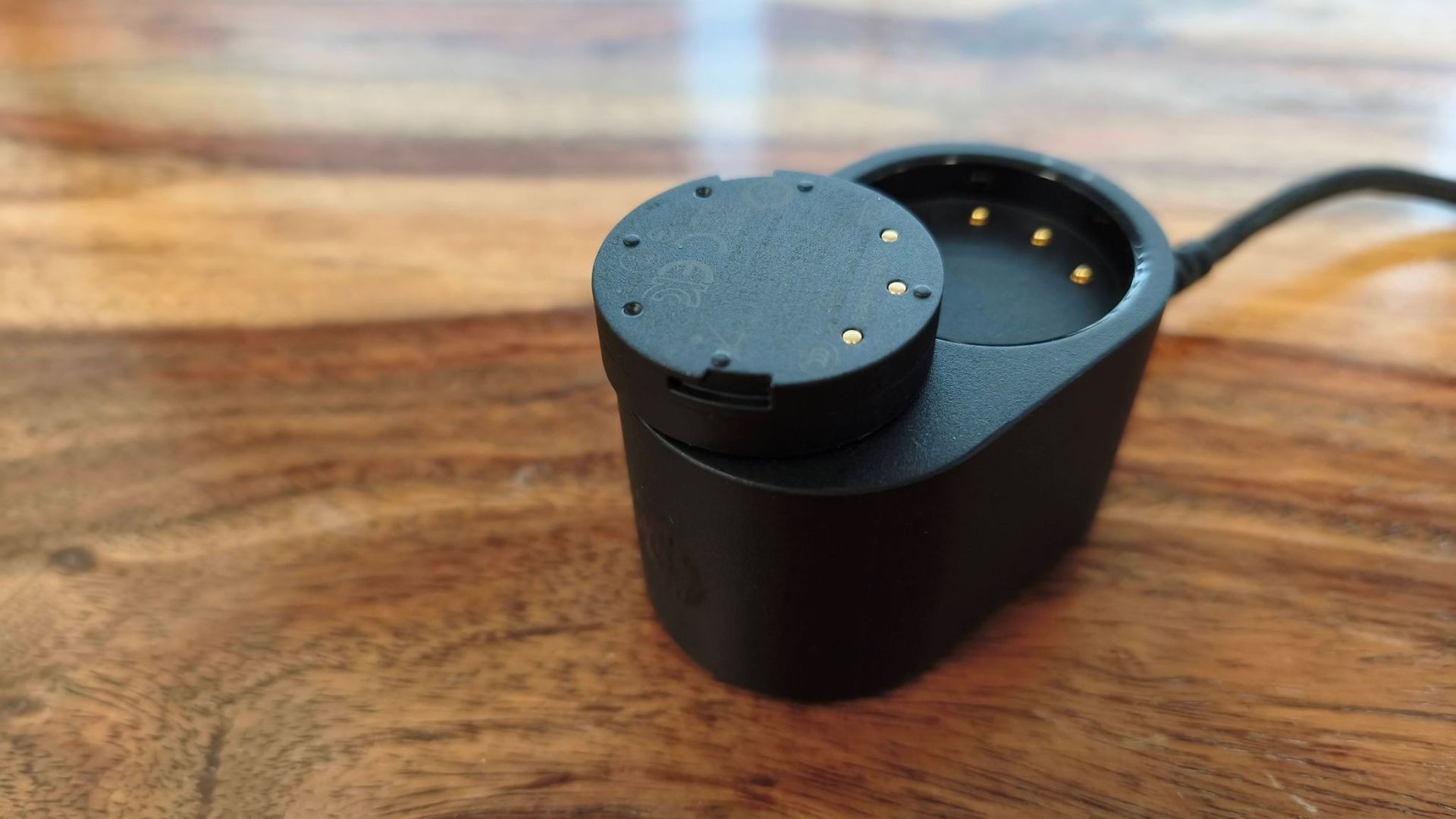
But this is where the Sensei Pro’s USP comes into play — something SteelSeries calls the Infinite Power System. Rather than using a USB cable to play and charge at the same time, you cycle between two batteries: the one in your mouse and the other that charges on top of the UWB station. There’s no need to ever go wired — in fact, you can’t, since there’s no USB-C port on the Sensei Pro. The batteries themselves are quite easy to remove and insert, with a dot to indicate the correct alignment of the pins underneath, and requiring a simple twist to lock into place underneath the mouse. I didn’t experience any issues with the battery coming loose at any point.
So if you don't want to resort to wired play when you run flat, the Sensei Pro fits the bill perfectly. It’ll also cater to those fanatical about polling rates and deep tweaking. It’s a shame there’s no additional Bluetooth mode (especially at this price), and the relatively heavy clicks aren’t for everyone, but in other respects the Sensei Pro is sublime in action — you’ll just have to part with a large amount of cash for the privilege.
SteelSeries Sensei Pro review: Price & availability
- $179.99 / £169.99 (about AU$260)
- Preorders available now, launches October 13
- Top end of the gaming mouse market
The Sensei Pro costs $179.99 / £169.99 (about AU$260) and launches October 13, although preorders are open now. Full size and mini variants are available, in either black or white.
This is very expensive for a wireless gaming mouse. It’s marginally less expensive than the Razer Naga V3 Pro, but the Naga has additional Bluetooth support, as well as a plethora of customizable buttons on the side. And if you want the same ‘infinite’ battery life, it’s compatible with the Razer’s HyperFlux V2 Wireless Charging System (read: a power-supplying mouse pad), although this is a costly optional extra on top of what is already a costly pointer.
If you fancy another mouse with a swappable battery system, the AngryMiao AM Infinity.97 is a viable alternative. This is slightly less expensive than the Sensei Pro, and is even lighter than the Sensei Pro (and much lighter than the Naga), tipping the scales at just 47g. Its looks might not be to every gamer’s tastes, though, and we weren’t particularly impressed with its basic software.
SteelSeries Sensei Pro review: Specs
Connectivity | Ultra-wideband |
Battery life | 120 hours (1K), 32 hours (8K) |
Sensor | TrueMove 42K Pro Sensor |
Polling rate | 8KHz (with 9KHz overpolling) |
Maximum sensitivity (DPI) | 42,000 (65,000 with DPI Overdrive) |
Programmable buttons | 6 |
Dimensions | 125.6 x 66.5 x 38.6mm |
Weight | 53g |
Should I buy the SteelSeries Sensei Pro?
SteelSeries Sensei Pro Scorecard
Attribute | Notes | Score |
Design | High quality and lightweight construction, but the bulbous hump may deter some gamers. Also, the DPI button is inconveniently placed. | 4/5 |
Performance | Every button feels great, although clicks are a little too heavy for easy spamming. Performance tweaking is a cut above many rivals, though. | 4.5/5 |
Value | This is about as pricey as gaming mice get, and many of its features will be overkill for lots of gamers. | 3/5 |
Buy the SteelSeries Sensei Pro if…
You never want to go wired
With many wireless mice, you’ll have to plug in eventually. Not so here — just swap your batteries around when you run dry.
You want the best polling rate possible
How important high polling rates actually are is up for debate, but if it matters for you, the Sensei Pro’s 9K over-polling facility is pretty much unbeatable.
Don't buy it if…
You want multiple wireless modes
There’s no Bluetooth support for easy hot-switching, which is a shame on a mouse this expensive.
You want the fastest clicks
While the clicks have great feedback, they’re a little heavier than most, which may impede spams.
SteelSeries Sensei Pro review: Also consider
Razer Naga V3 Pro
The Naga may be even more expensive than the Sensei Pro (though only slightly), but it does offer more useful features, such as plenty of programmable side buttons and additional Bluetooth support. You can get the same ‘unlimited’ battery life too if you pair it with Razer’s powered mouse mat, but this adds yet more expense. Read our full Razer Naga V3 Pro review.
AngryMiao AM Infinity.97
If the idea of swappable batteries appeals to you, then the AM Infinity.97 is another candidate worth considering. It’s almost as dear as the Sensei Pro, but it’s slightly lighter and has a more unique — if more divisive — design. Read our full AngryMiao AM Infinity.97 review.
How I tested the SteelSeries Sensei Pro
- Tested for several days
- Used for gaming, working, general browsing
- Drew on extensive gaming mouse experience
I tested the SteelSeries Sensei Pro for several days, during which time I used it not just for gaming, but also for working and general browsing.
I played games such as S.T.A.L.K.E.R. 2: Heart of Chornobyl and Counter-Strike 2, the latter of which is a stern test for peripherals given the demands it places on quick and accurate movements and clicks.
I’ve been PC gaming for a long time, and have used and reviewed a large variety of gaming mice in that time, from modest budget offerings to expensive feature-packed, pro-level pointers.
- Read TechRadar’s reviews guarantee
- First reviewed: October 2026


